A focused leadership brief
A shared view of priorities, relevant changes, and questions that need attention. Prepared around the review, with context your team can inspect.
Avyaa AI Company OS
Bring business signals, priorities, and decisions into one leadership workspace. Prepare with context, explore the trade-offs, and turn an agreed direction into actions your teams can follow.
From context to action
Company OS connects the preparation before a meeting with the decisions during it and the work that follows. Begin with the outputs your leaders can use immediately.
A shared view of priorities, relevant changes, and questions that need attention. Prepared around the review, with context your team can inspect.
The options considered, the assumptions behind them, and the people responsible for approval. A record your team can return to later.
A clear action, an accountable owner, and a review point. The original decision stays connected to the work it creates.
Illustrative leadership workspace
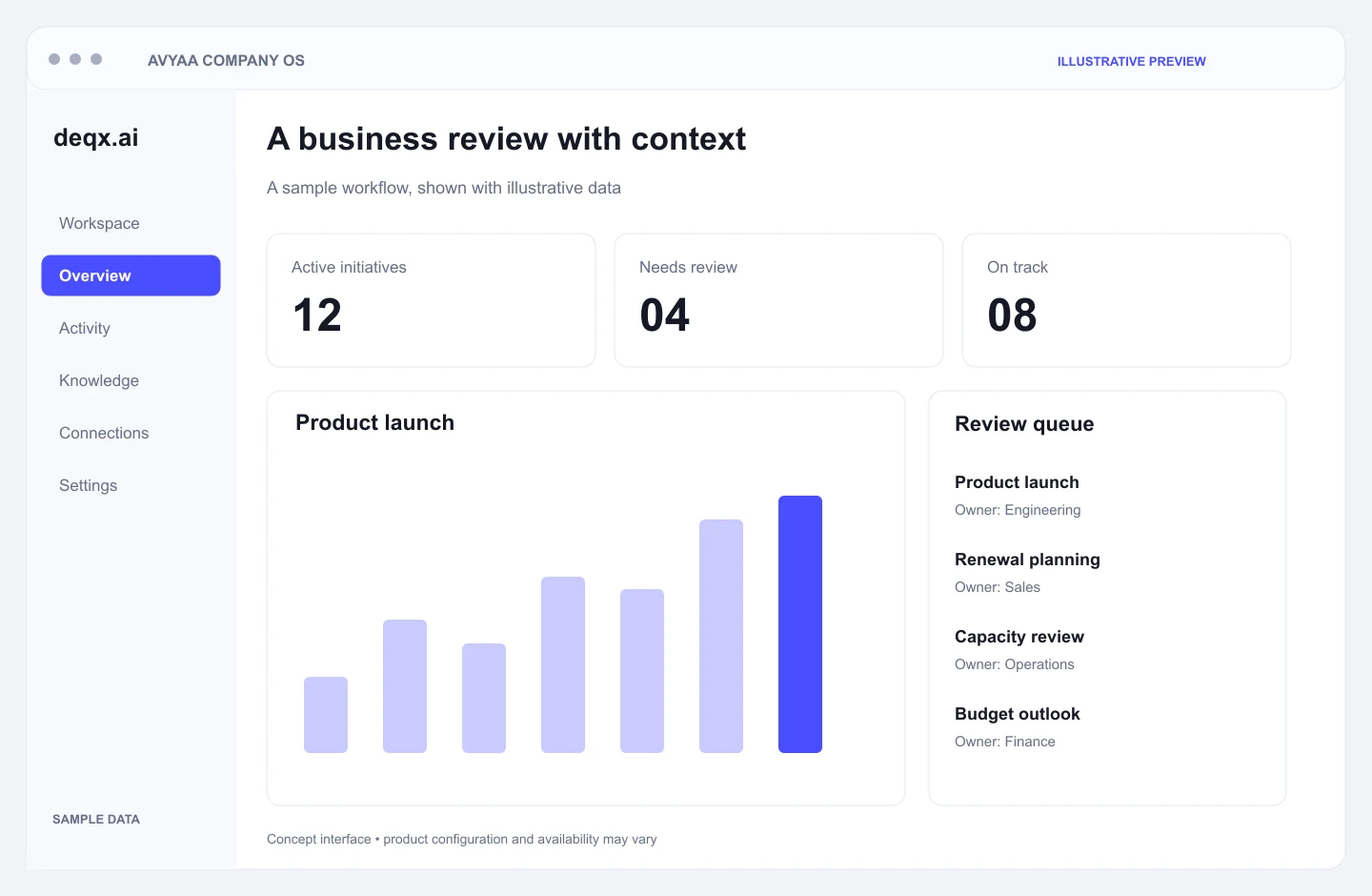
An executive view should connect a signal to a question and a next action. This example shows how a leadership review could bring those elements together; values are illustrative, not live customer results.
Review changes in progress alongside blockers and ownership. Ask which milestones need intervention before the next leadership meeting.
Each priority has an owner, supporting context, and a next review point.
Which initiatives need a leadership decision this week, and what is blocking progress?
In practice
A useful business review connects three things: what changed, why it matters, and who will act. Company OS is designed around that complete cycle, with people responsible for the final decision.
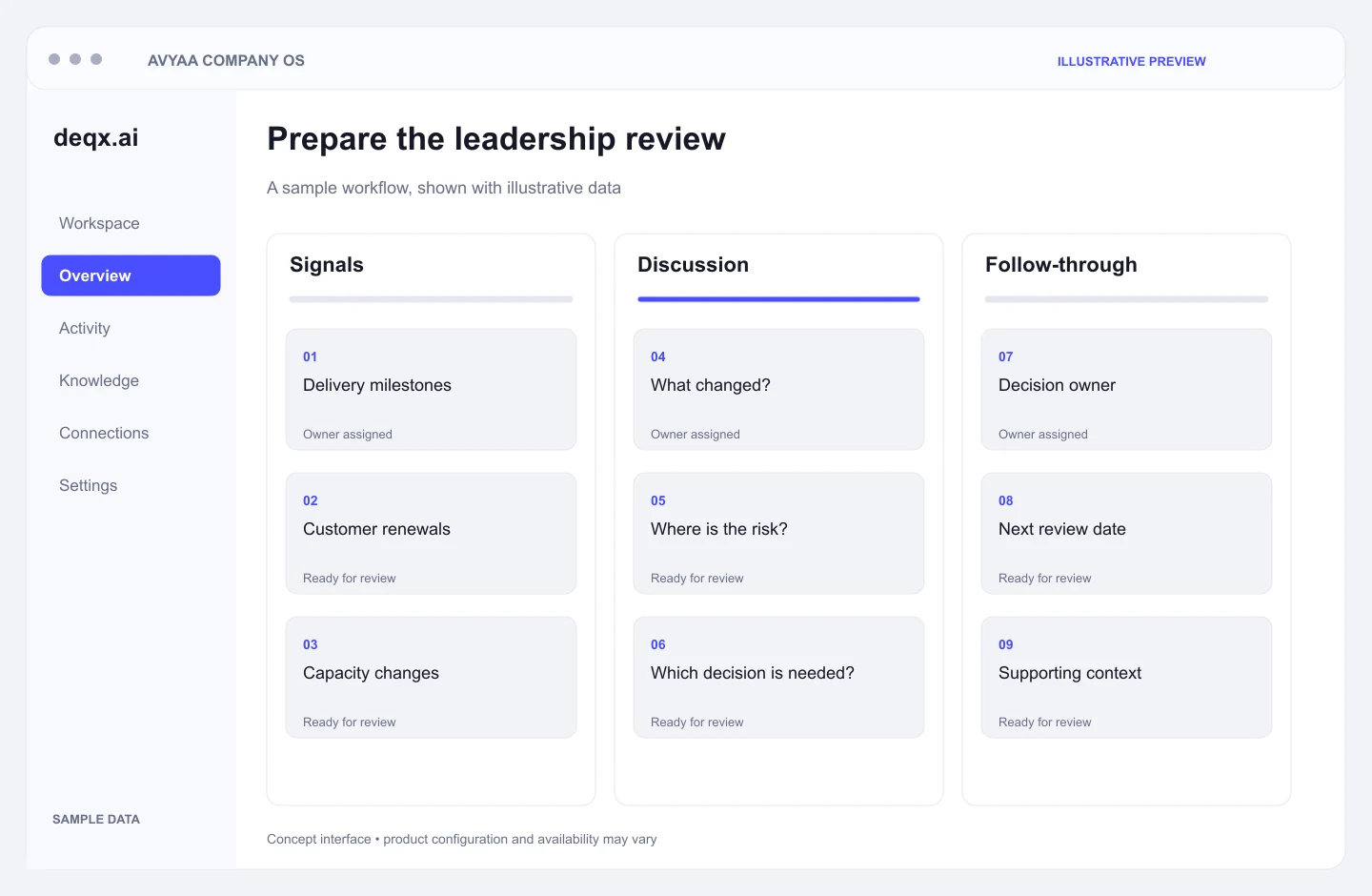
Start with the priorities and systems relevant to your review. Bring initiative updates, operating metrics, and open questions into a shared brief. Leaders can spend the discussion on exceptions and decisions instead of reconstructing the same context from scattered reports.
Discuss this workflowBring operational evidence into the decisions you already make. Start with the questions that matter to your business and validate the analysis against the available data.
Bring unusual movements, missed milestones, and cross-team dependencies into the review. Give the responsible team enough context to investigate rather than treating every alert as a conclusion.
Compare historical performance with current operating inputs. Discuss changes in demand, capacity, or cost with the assumptions visible and the limits of the forecast understood.
Explore alternative plans before committing resources. Document the assumptions behind each option so leaders can revisit the reasoning when conditions change.
A good review ends with shared understanding and clear ownership. Keep the work connected to the decision that created it.
Bring meeting notes and agreed outcomes into a reviewable record. Capture the rationale, unresolved questions, and required approvals alongside the action.
Prepare a draft brief around the audience and the decisions they need to make. Review supporting context and edit the narrative before it is shared.
Associate follow-up work with accountable people and review dates. Agree where reminders and updates belong within your existing team workflows.
Choose the functional context that supports your decision workflow. These are example areas to explore during scoping, not a requirement to connect every department at once.
Review your finance, CRM, delivery, and people systems during discovery. The names below are examples for integration planning; connector availability, permissions, and implementation effort are confirmed for your scope.
Scenario Modeling
Bring a specific decision into the workspace: a hiring plan, a delivery commitment, or a change in operating cost. Make the inputs and assumptions clear before comparing the alternatives.
Document the current plan, the source inputs, and what the team considers a meaningful change.
Discuss how a change in one area could affect capacity, cost, timing, or commitments elsewhere.
Capture the chosen direction and its assumptions. Set a review point so the decision can be revisited as evidence changes.

Enterprise Security
Access, data handling, and approval requirements are part of the implementation scope. Define these controls with your technology and governance teams before expanding the workflow.
Define which roles can see each source and workspace. Validate the permission boundaries against the people and information involved in the pilot.
Identify data that should be excluded, minimized, or redacted. Agree the handling rules and validate the resulting outputs with your team.
Review hosting, retention, and model-processing requirements during discovery. Document the agreed approach for the data and workflows in scope.
Keep important decisions and approvals attributable to responsible people. Agree the audit trail and monitoring needed for the selected workflow.
A focused pilot makes the scope and success criteria clear. Integration depth, rollout timing, and deployment requirements are agreed after discovery.
Define
Select a leadership review or strategic initiative. Agree who uses it, which questions matter, and how you will judge a useful result.
Connect
Assess source systems, access permissions, ownership, and data quality. Start with the information required for the selected workflow.
Validate
Run the workflow with representative inputs. Check the completeness of briefs, the quality of evidence, and whether proposed actions are useful.
Expand
Assign operating owners, review permissions, and agree how changes are monitored. Add further teams and workflows when the pilot supports the case.
Your questions
No. It supports leaders with context and workflows. Business decisions, approvals, and accountability remain with your designated people.
Begin with the systems needed for one decision workflow, such as a business review or strategic initiative. We assess access, data quality, and integration scope before expanding.
Agree on a small set of measures such as preparation effort, completeness of context, and follow-through on actions. Compare the pilot with your current review process.
The starting point is your existing systems and operating process. Company OS brings selected context into a leadership workflow; replacing systems is a separate decision and is not assumed in the pilot.
No. The screens and values on this page are illustrative examples. The workspace, sources, metrics, and outputs are configured and validated for the scope agreed with your team.
Bring one recurring decision or review process, a sample of the reports you currently prepare, the systems involved, and the people responsible. Avoid sharing sensitive records until access and handling arrangements are agreed.