AI Company OS: Connecting Business Context, Decisions and Follow-Through
Explore how Avyaa AI Company OS connects business knowledge, operational exceptions and accountable action, starting with one workflow and human-led decisions.
A supplier changes a delivery date. Procurement knows the reason, the project team knows the dependency, finance knows the budget, and sales knows what the customer was promised. The business has the information. The difficult part is bringing it together while there is still time to choose a useful next step. That is the operating challenge behind Avyaa AI Company OS: connecting context, decisions and follow-through around the way an organisation actually works.
From information to accountable action
A decision is only as useful as the context behind it—and the follow-through that comes after it.
DEQX Editorial Team
01 / Shared business context
Give cross-functional work a common starting point.
Departments see the same event through different responsibilities. A delivery change is a supplier issue for procurement, a scheduling issue for projects and a commitment issue for the customer team. A shared workspace should preserve those perspectives while making their dependencies easier to understand.

01Connect the operating question
Start with a question people already need to answer: which commitments are affected if a delivery slips? Identify the records, documents and owners needed to answer it before adding more information to the workspace.
02Keep ownership visible
Shared context does not mean shared ambiguity. Make clear who maintains the supplier update, who checks the project impact and who can approve a change. The next person should know what is confirmed and what still needs review.
03Work around the existing business
The video presents a tailored workspace for industries such as construction, retail, manufacturing and services. Available integrations, workflow scope and permissions are agreed around the organisation’s systems; they are not assumed to be universal.
02 / Knowledge in context
Make an answer useful enough to check.
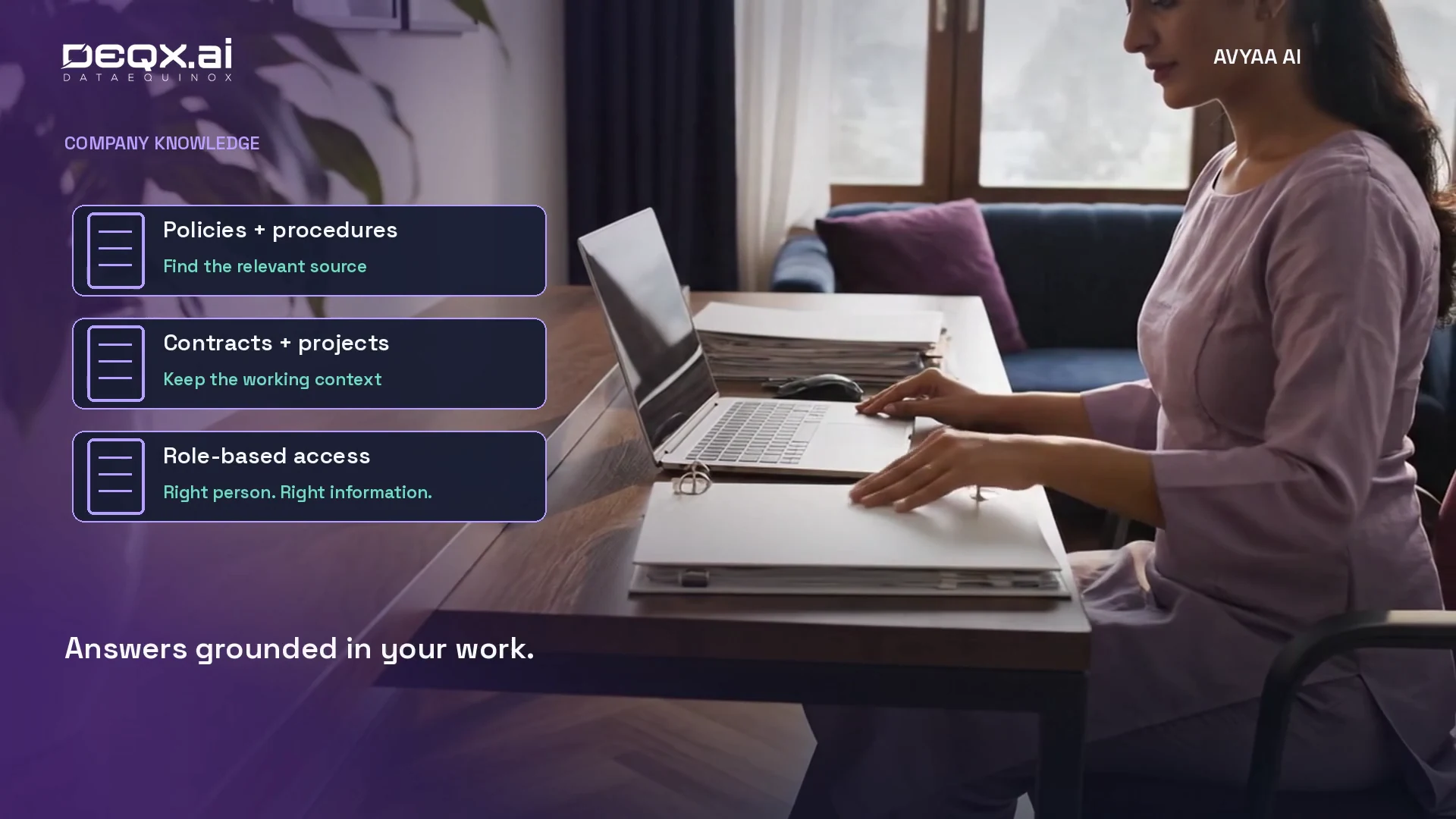
Policies, procedures, contracts and project knowledge help teams work consistently when the relevant information is accessible at the moment of need. The starting point is a defined set of sources and access matched to each role.
01Choose the information the workflow may use
Identify approved documents and the teams responsible for keeping them current. A purchasing question and a people-policy question may need different sources and access boundaries.
02Keep the basis of the answer available
Design the workflow so reviewers can inspect the relevant source, version and assumptions. Missing or conflicting information should become a question to resolve, rather than a confident-looking conclusion.
03Carry context into the next step
When an answer informs a task or approval request, preserve the supporting context. A colleague should not need to repeat the search to understand why the action was proposed.
03 / Exceptions that need attention
Bring the issue to the person who can act.
An exception becomes useful when it is connected to an impact, an owner and a review point. A growing list of alerts alone does not resolve the work.
SIGNAL
What changed?
Record the changed delivery date, delayed task, budget concern or customer issue alongside the source and time of the update. Separate a reported change from a confirmed one.
IMPACT
What depends on it?
Bring together the relevant project milestone, customer commitment and operating constraints. Highlight gaps that require a person to check the dependency.
OWNERSHIP
Who takes the next step?
Route the exception to the responsible team with a clear question or action. Make escalation and the next review time part of the workflow.
04 / One supplier delay
Compare the options before committing.
Consider a supplier who can no longer meet an agreed date. The useful question is not simply whether an alternative exists. The team needs to understand what each option means for cost, capacity, timing and the commitments already made.

01Establish the working facts
Procurement confirms the revised date and available alternatives. The project owner checks the affected milestone. The customer team identifies commitments that may need a conversation. Unknowns stay visible.
02Prepare a reviewable comparison
Compare retaining the supplier, changing the sequence of work or considering an alternative. Record the assumptions and the evidence available for each option; a lower quoted price may not include the same scope or timing.
03Keep the decision with an accountable person
Avyaa’s walkthrough positions AI as decision support. The authorised team reviews the comparison, resolves missing information and chooses the action. A recommendation does not become an approval by itself.
05 / Approval to action
Keep the reason attached to the work.
Once a decision is approved, the workflow can help carry it into the connected systems within agreed permissions. The original issue should remain understandable as the action passes between teams.
APPROVAL
Record the authorised choice
Capture what was agreed, who approved it and the conditions that apply. Keep any unresolved dependency separate from the approved scope.
EXECUTION
Give each action an owner
Route approval requests, create tasks, notify the responsible people and update supported systems as configured. Make failures or incomplete steps visible for follow-up.
REVIEW
Check what actually happened
Track whether the action was completed and whether it resolved the original issue. A notification sent is different from a delivery confirmed or a customer commitment revised.
06 / Leadership review
Build a brief around the next decision.
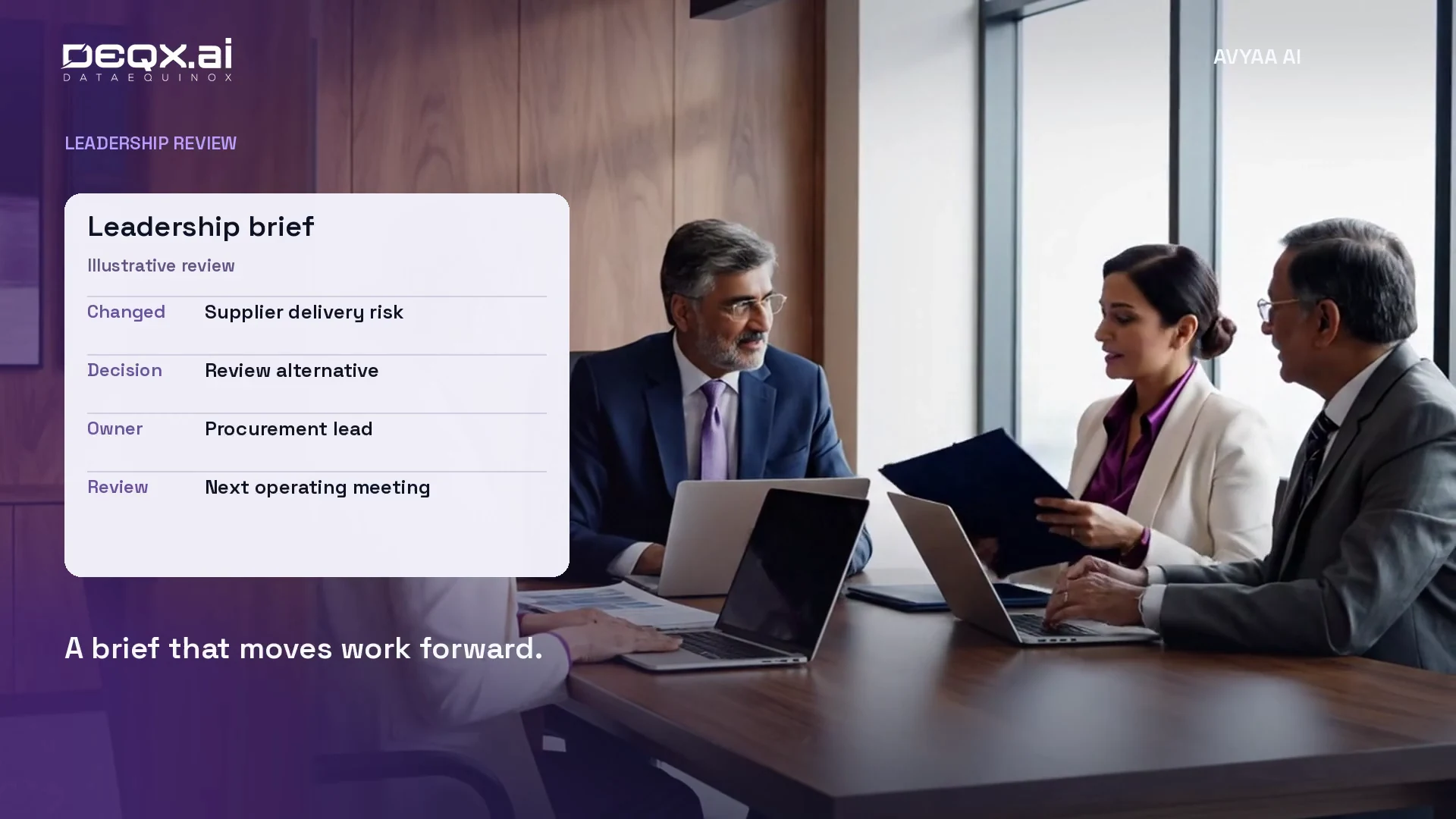
Leadership does not need every operational message reproduced in another dashboard. A useful focus brief connects the change, its consequence and the next decision, with enough supporting context to challenge the recommendation.
01What changed—and why does it matter?
Summarise the relevant exception and the commitments it could affect. Keep the underlying evidence available rather than hiding uncertainty inside a polished summary.
02What needs a decision?
Show the options, constraints and open questions. Distinguish a request for approval from an informational update so attention goes to the work that needs it.
03Who owns the follow-through?
Name the next owner and review point. At the next operating meeting, return to the same issue and check progress against the agreed action.
07 / Start with one workflow
Validate the operating loop before expanding.
A Company OS should earn its place in daily work through a focused, repeatable workflow. A supplier-delay review is one possible starting point; the right choice is the handoff your team repeatedly struggles to complete.
01Define a small, complete scope
Choose a recurring issue with identifiable inputs, decision-makers and follow-up. Map the current process and the systems involved before deciding what to automate.
02Test real exceptions with the team
Use representative examples, including incomplete records and conflicting updates. Check whether the output helps people make and explain a decision, not just whether it produces a plausible summary.
03Measure the quality of the handoff
Establish a baseline for preparation time, repeated information requests and overdue actions. Review whether evidence is traceable and ownership is clear. These are evaluation criteria, not promised product outcomes.
04Expand from what works
Refine source access, responsibilities and review steps before extending into another department. The goal is a process the team can understand, maintain and repeat.
Questions from business teams
Planning an AI Company OS
What does AI Company OS mean here?
It describes Avyaa’s tailored approach to connecting business knowledge, operational context, decision support and follow-through in a shared workspace. It is a business operating approach, not a replacement for a computer operating system.
Does it replace our existing business systems?
The walkthrough proposes building around existing systems and workflows. Integration scope depends on available access and the agreed implementation; replacing every system is not a prerequisite.
Does AI make final business decisions?
The video explicitly keeps final decisions with people. AI can help assemble evidence and compare options, while approvals and subsequent actions follow the organisation’s agreed responsibilities and permissions.
How should a team start?
Choose one recurring cross-functional workflow with clear inputs and an accountable reviewer. Validate it with the people doing the work, review exceptions and follow-through, and then consider expanding.
Explore Avyaa AI Company OS
Bring one operating decision to the discussion.
Show us where your team has the information but struggles to connect the next step. Explore a tailored Company OS workflow with DEQX.
Explore Avyaa AI Company OSAbout this article
An illustrated product perspective
The video and WebP stills illustrate proposed Avyaa AI Company OS workflows. The supplier-delay example explains the approach; it is not a customer case study or evidence of measured deployment results.
More Recent Insights
Stay up-to-date with our latest findings and perspectives.
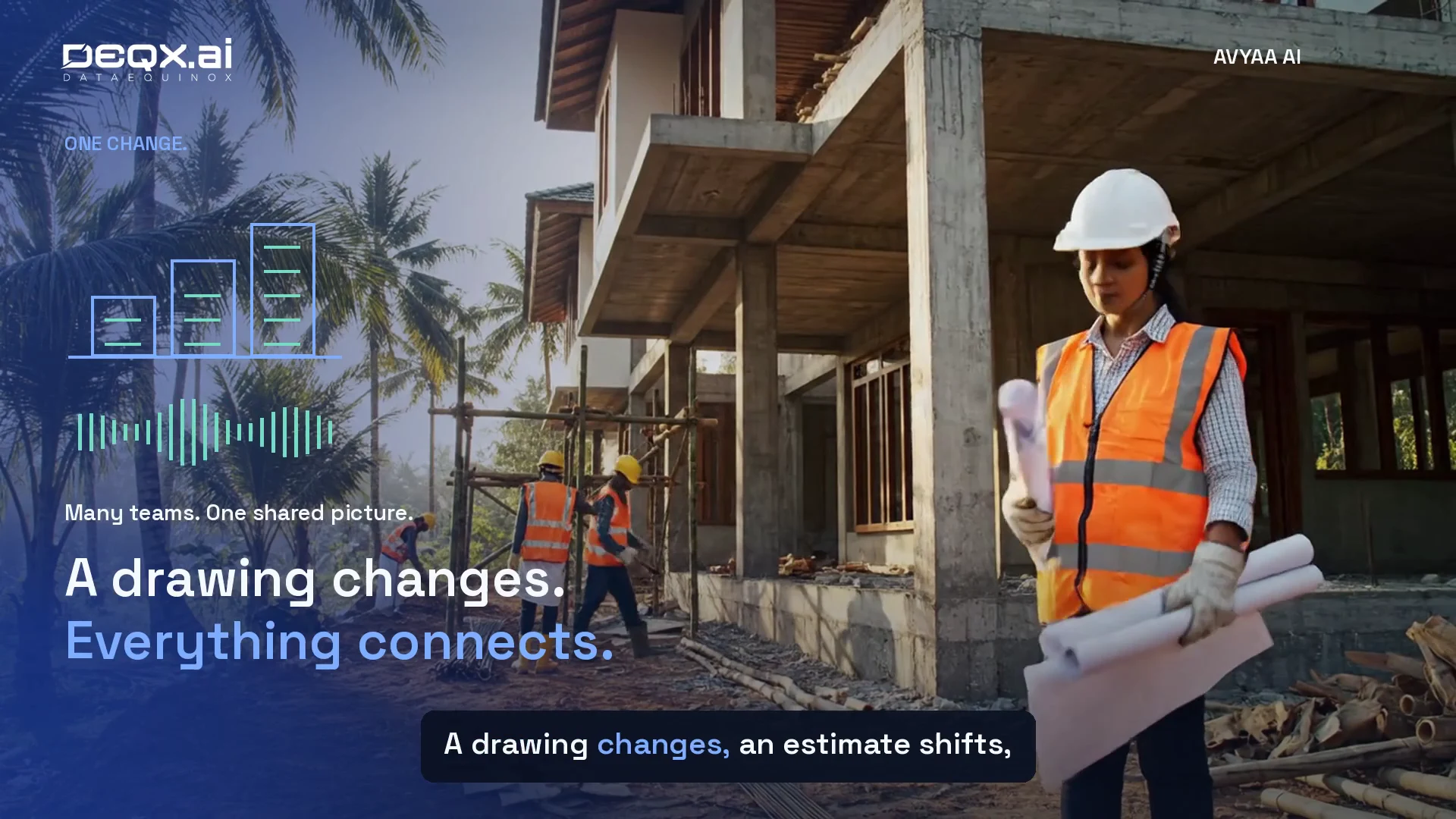
Connected Construction: From the First Enquiry to Project Handover
Explore how Avyaa AI can connect construction enquiries, draft estimates, procurement, site updates and handover, with human review at each decision.
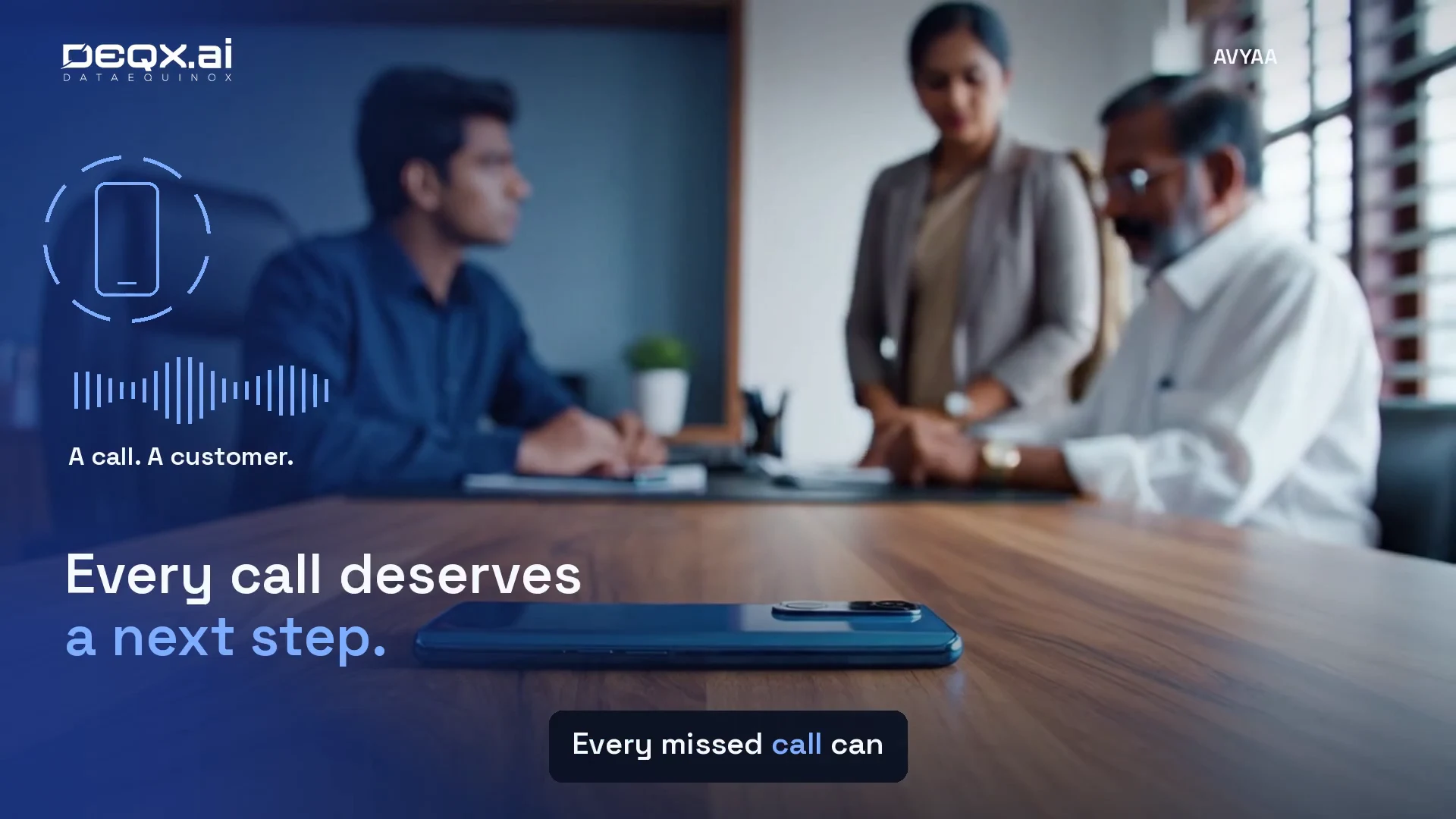
AI Voice Agents for Kerala NBFCs: Giving Every Call a Clear Next Step
How Avyaa AI can support NBFC enquiries, document follow-ups and Malayalam conversations, with connected records and clear handoffs to staff.

Fashion Buying Intelligence: A Clearer View Before the Next Order
A practical guide to connecting sales evidence, stock, supplier offers and buying budgets—so fashion retail teams can review the next order with clearer context.