AI Receptionist for Clinics: Turning Every Patient Call into a Confirmed Next Step

How an AI receptionist books, reschedules and reminds patients for clinics, with Malayalam–English calls and staff handoffs.
Short answer
An AI receptionist for clinics answers patient calls, books, reschedules and cancels appointments in the clinic's own scheduling system, answers routine questions such as timings, doctors' availability and directions, and confirms the next step. It does not give medical advice: clinical questions, urgent calls and unusual requests go to clinic staff with a summary.
DEQX Editorial Team
01 / Everyday patient calls
Start with the reason the patient is calling.
A clinic's front desk handles bookings, changes, directions and worried patients at the same time, often while other patients wait at the counter. An AI voice agent can take routine appointment calls while records, permissions and human judgement stay with the clinic. The aim is not to replace the front desk, but to give every suitable call a confirmed next step or a clear path to someone who can help.

01Give each call type a defined outcome
Decide in advance whether success means booked, rescheduled, cancelled, answered from approved information, or handed to staff. Define that outcome before writing dialogue, so the conversation has somewhere useful to finish.
02Answer only from the clinic's approved information
Share timings, doctors’ schedules, departments, the consultation process, directions and documents to bring—only from sources the clinic has assigned. When the answer is unclear or missing, route the call to staff rather than guessing.
03Make the next step explicit
Tell the patient what has been confirmed, what to bring, and who will call back if needed. A completed call is not always a resolved request; the workflow should make that distinction clear to both the patient and the team.
A focused starting scope
Three calls worth mapping first.
Choose three routine appointment calls that have clear outcomes, reliable calendar data and an owner for exceptions.
CAPTURE AND BOOK
New appointments
Collect the patient’s name, contact number, preferred doctor or department and preferred time. Book from available slots in the clinic’s authorised scheduling system.
CHECK AND MOVE
Reschedules and cancellations
Find the existing booking after a simple identity check, offer open slots when moving a visit, and release cancelled slots so other patients can use them.
CONFIRM AND REMIND
Appointment reminders
Confirm upcoming visits and offer an easy way to reschedule, within the clinic’s agreed contact rules for consent, calling windows and opt-outs.
02 / Malayalam and mixed-language calls
Test the language patients actually use.
Many patients switch between Malayalam and English in the same sentence, or ask a family member to call on their behalf. Language quality should be assessed in those realistic conditions, not only in a polished introduction.
01Make the introduction clear
Patients should know they are speaking to an AI assistant, what it can help with, and how to reach a person. Keep the opening short enough that the caller can state their request without delay.
02Test more than pronunciation
Review doctor and department names, dates and times, phone numbers, mixed Malayalam–English speech, background noise, older callers and family members calling on a patient’s behalf. Check whether the caller’s meaning survives the step from speech to the scheduling action.
03Design a graceful recovery
When the assistant is uncertain, ask one focused clarifying question or offer a handoff. Avoid making the patient repeat the whole request from the beginning.
03 / Human handoff
Pass the context, not just the call.
Some conversations need a person at once: a clinical question, an unusual request, missing information, or a caller who asks for staff. The handoff is part of the front-desk design, not an afterthought.
01Send every clinical question to staff
Questions about symptoms, medicines, reports and results always go to the clinic team. If a caller describes an emergency, the agent directs them to local emergency services and alerts staff at once.
02Give the front desk a useful summary
Hand over the request, the checks already completed, the booking reference and any open questions. Staff should be able to tell what the patient said from what the system confirmed.
03Keep reminders within the agreed workflow
Reminder wording, consent, calling windows, opt-outs and the recording notice follow the clinic’s approved process. Sensitive or disputed cases move to the appropriate staff member.
04 / Operational boundaries
Connect the calendar. Define the permissions.
Avyaa AI Voice Agent’s role here is appointment and front-desk assistance on the clinic’s phone lines. The clinic defines the information available to the agent, the actions it may take, and the points where a person must decide.
Avyaa Voice AgentWHAT IT CAN READ
Approved information
The agent may use clinic timings, doctors’ schedules, available slots and the caller’s own booking after an identity check. Collect only the details needed for the appointment, in line with consent and data-minimisation expectations under India’s Digital Personal Data Protection framework.
WHAT IT CAN DO
Permitted actions
It may create, move or cancel bookings and log callbacks, only through actions the clinic has explicitly enabled. Tools start disabled until assigned; failed actions remain visible to staff so a spoken acknowledgement is not mistaken for a completed task.
WHO RETAINS CONTROL
Human decisions
Clinical advice, urgency, fee questions, exceptions, overbooking and complaints stay with clinic staff. The agent does not make business decisions; every permitted action can be reviewed in an audit trail and transcript.
05 / A practical pilot
Choose one appointment flow and review it end to end.
A useful pilot follows one request from the first spoken question to the completed booking action or staff handoff. Start with a manageable scope and use the team’s findings before widening the service.
01Map the source and the next step
Pick one call type—for example reschedules for one department. Define which calendar it reads, who owns exceptions, and what the patient hears at the end of the call.
02Review realistic patient calls
Test ordinary, interrupted, unclear, urgent-sounding and out-of-scope calls before going live. Confirm the assistant used approved information and offered an appropriate next step.
03Check the record after the conversation
Confirm the booking, summary and callback entries match what was said. A call log alone is not proof of a correct outcome.
04Measure outcomes against a baseline
Suggested measures include calls answered, bookings from after-hours calls, reschedules completed without staff, no-shows, and handoff quality. These are things to measure in a pilot, not claimed results from a customer deployment.
Questions from clinic teams
Planning an AI front-desk workflow
What can an AI receptionist help a clinic with?
It can answer availability questions, collect booking details, confirm bookings through an authorised system, handle scheduling changes, send outbound follow-ups and reminders within agreed rules, and route unusual requests to staff. The actual scope depends on approved knowledge sources, connected calendars and the clinic’s operating policies.
Can Avyaa handle Malayalam conversations?
The scenes in this article are illustrative. Malayalam and mixed Malayalam–English calls should be tested with your clinic's own doctor names, department names and representative patient calls before going live.
Does the agent give medical advice?
No. The assistant does not give medical advice, triage symptoms or interpret reports. Clinical questions always go to clinic staff. If a caller describes an emergency, the agent directs them to local emergency services and alerts staff at once.
What happens if the assistant cannot answer, or the call sounds urgent?
The workflow should provide a focused clarification or a handoff to staff, with the request and relevant context preserved. Urgent-sounding or clinical calls move to the clinic team; missing information should not be replaced with an invented answer.
Can it connect to our existing appointment system?
Integration scope is set around the clinic’s booking or scheduling tools and business APIs, depending on what the system allows. The starting point is one clearly defined workflow with agreed records, ownership and exception handling.
Explore Avyaa AI Voice Agent
Bring one appointment flow to the demo.
Walk through a booking, reschedule or reminder flow with DEQX and review language, calendar connections and handoff rules with your team.
Book a tailored clinic discussionContinue reading
Understand the voice agent behind the conversation.
Read our introduction to how AI voice agents handle spoken requests, retrieve information and hand off to people.
Read the AI voice agent guideAbout this article
An illustrated product perspective.
The images show illustrative Avyaa clinic scenarios and are not customer testimonials, compliance certification, evidence of measured deployment results or medical advice.
More Recent Insights
Stay up-to-date with our latest findings and perspectives.
AI Voice Agents for Restaurants: Reservations, Waitlists and Reminders
Start with the calls you miss. This guide covers which restaurant requests an AI voice agent should take, which go to staff, permissions, and a practical pilot.
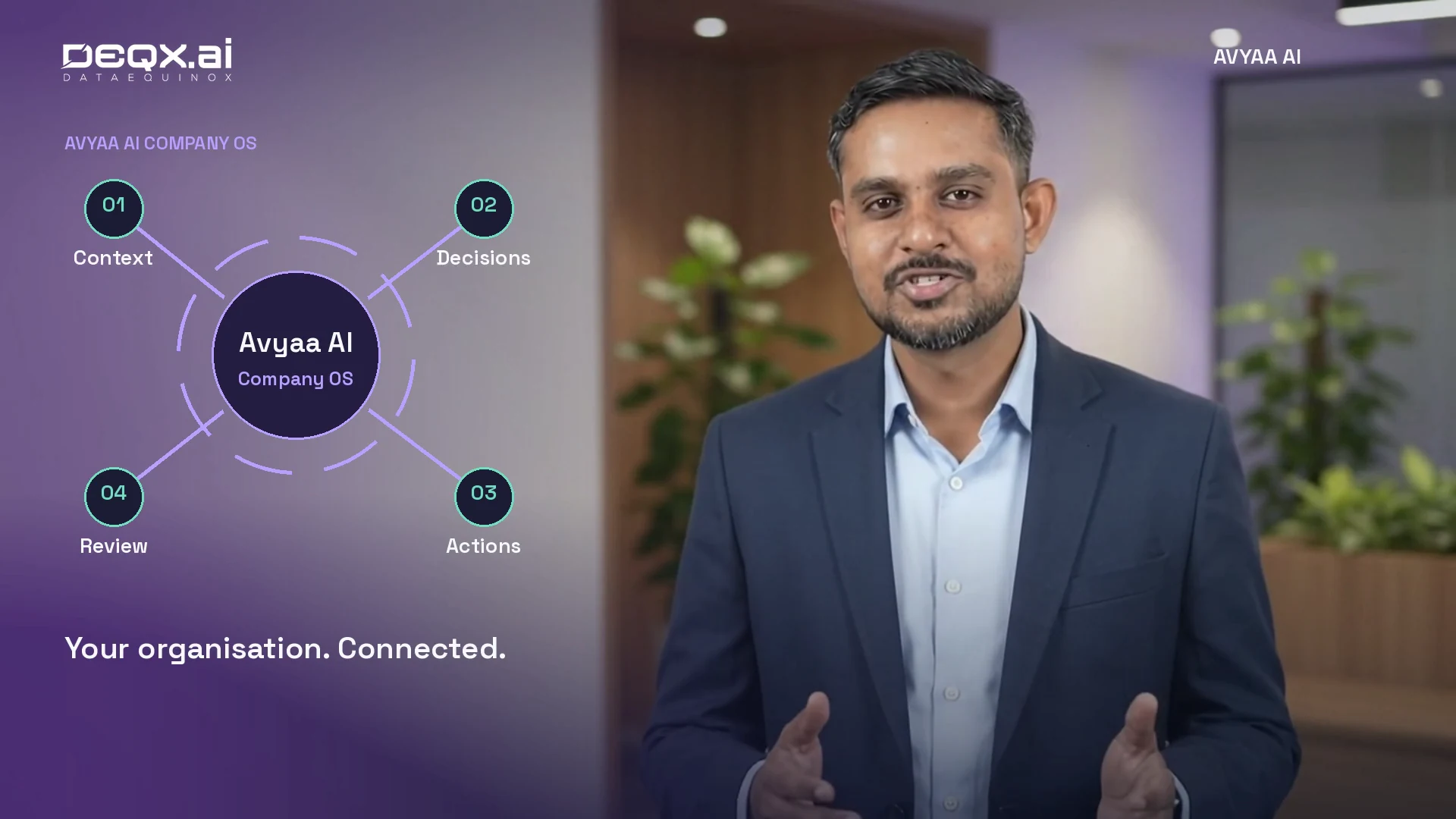
AI Company OS: Connecting Business Context, Decisions and Follow-Through
Explore how Avyaa AI Company OS connects business knowledge, operational exceptions and accountable action, starting with one workflow and human-led decisions.
Connected Construction: From the First Enquiry to Project Handover
Explore how Avyaa AI can connect construction enquiries, draft estimates, procurement, site updates and handover, with human review at each decision.