B2B Ordering Portals: Replacing WhatsApp and Excel Orders for Distributors

How distributors can move dealer orders out of chat threads and spreadsheets into one ordering system, while keeping WhatsApp for the conversations dealers value.
Short answer
A B2B ordering portal is a private ordering system where approved distributors, dealers and retailers log in to see their own catalogue and prices, place repeat orders and track status. It doesn't replace WhatsApp conversations; it moves the order itself into one record connected to stock, invoicing and dispatch.
DEQX Editorial Team
01 / Everyday orders
Start with how orders arrive today.
Many distributor orders still arrive as WhatsApp messages, voice notes, phone calls and spreadsheets. Each one has to be read, checked against price lists and stock, and typed into another system before anything ships. A portal doesn't replace the relationship with dealers; it gives every order one record and a clear status.

01Map every channel orders come through
WhatsApp, calls, email, sales reps and spreadsheets, with who receives each and where it goes next.
02Find where orders get re-typed
Every manual copy is a chance for the wrong item, quantity or price, and a delay before the order is confirmed.
03Agree what "confirmed" means
Stock checked, price applied, approval given where needed, and the dealer told what happens next.
Before and after
One repeat order, two ways.
The same dealer request looks different when it stays in a chat thread and when it becomes a portal order.
TODAY
One repeat order
A dealer sends a photo of a handwritten list on WhatsApp; staff read it, check prices and stock, call back about a missing item, type it into the back-office system and send a confirmation later.
WITH A PORTAL
The same order
The dealer opens last month's order, changes two quantities and submits; prices and stock are already applied, exceptions go to the right person, and the dealer sees the status. WhatsApp is still there for questions.
A focused starting scope
Three ordering workflows worth moving first.
Start with the order paths that repeat often and have clear commercial rules.
ORDER AND REPEAT
Repeat orders
Regular dealers reorder from their history or saved lists instead of retyping messages.
PRICE AND APPROVE
Account pricing and quotes
Each account sees its agreed prices; larger or special orders go through a quote or approval step.
TRACK AND UPDATE
Order status and documents
Dealers check status themselves, which cuts "where is my order?" calls.
02 / Dealer adoption
Design for how dealers actually order.
Adoption follows the easiest path for the people placing orders, not the longest feature list.
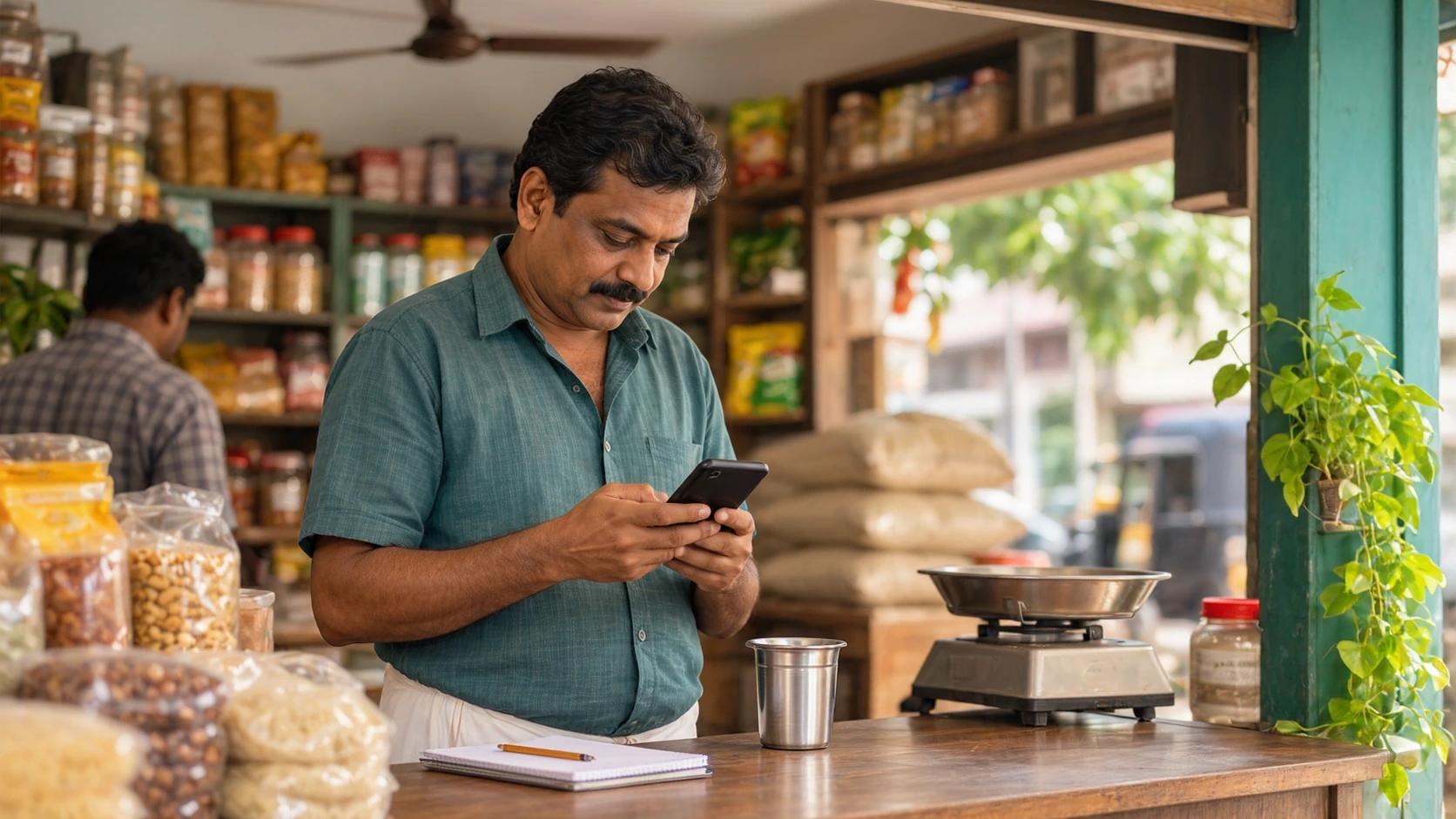
01Make the first order easy
Mobile-friendly screens, simple login and saved order lists matter more than a long feature list.
02Keep WhatsApp for the conversation, not the order
Dealers can still message their rep, but the order lives in the portal. Reps can place assisted orders for dealers who prefer to call.
03Plan for different buyers
A small shop owner on a phone and a purchasing team on a desktop need different paths, and one dealer account may have several people ordering.
03 / Sales and operations
Give sales and operations the same order record.
When reps and the warehouse see the same order, the portal becomes part of the sales motion instead of a parallel track.
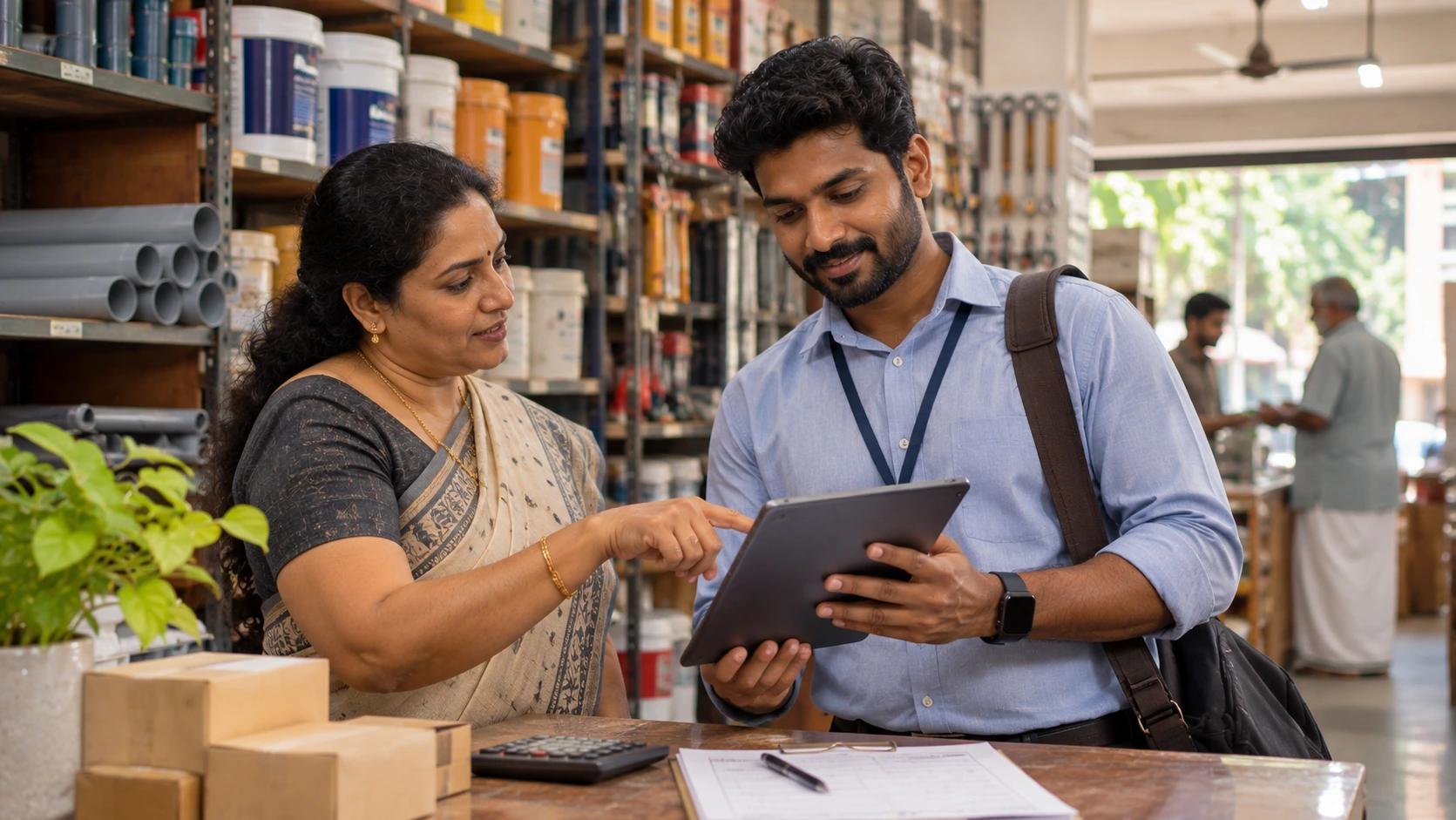
01Show reps their accounts' orders
Portal orders should still count for the rep's accounts, so sales teams support the portal instead of working around it.
02Make exceptions visible
Out-of-stock items, price mismatches and failed system updates should appear as clear exceptions with an owner.
03Keep approvals where they belong
Orders above an agreed value, special prices or unusual terms go to the right person before confirmation.
04 / Operational boundaries
Connect the systems. Define the rules first.
A portal is only as reliable as the data and rules behind it. Most of these decisions are specific to each distributor and should be settled with sales, finance and tax teams before anything is built.
DATA TO AGREE
Source of truth
Decide which system owns the catalogue, prices, stock and dealer details, and who keeps each up to date. If you deliver to several locations for one dealer, agree with your tax adviser how each location's GSTIN is recorded, so invoices and e-way bills carry the right bill-to and ship-to details.
RULES TO DEFINE
Commercial terms
Credit terms, schemes, special prices and minimum order rules differ by distributor. Write them down before building, including what happens when a dealer is over their limit.
WHO RETAINS CONTROL
Human decisions
Credit exceptions, special pricing and disputed orders stay with sales and finance teams.
How DEQX approaches the build.
DEQX builds B2B portals around these rules, with account-specific pricing, approvals and repeat ordering, and connects them to back-office systems where required.
B2B portals05 / A practical rollout
Start with one dealer group and review it end to end.
A useful pilot follows orders from submission to confirmation, dispatch and invoice before the portal is offered more widely.
Plan your rollout with DEQX
01Pick one region or dealer group
Start where order volumes are steady and the sales team is willing to champion the change.
02Test realistic orders
Large orders, several delivery locations, out-of-stock items, price changes and cancellations, before dealers see the portal.
03Reconcile before you scale
Compare portal orders with back-office orders and invoices for the first weeks, and fix gaps before inviting more dealers.
04Measure against a baseline
Share of orders placed through the portal, time to confirm an order, order corrections and "where is my order?" calls. Present these as things to measure, not results.
Questions from distributor teams
Planning a B2B ordering portal
What is a B2B ordering portal, and how is it different from a regular online store?
A B2B ordering portal is for logged-in trade accounts. Each dealer or retailer sees the catalogue and prices agreed for their account, can place repeat orders, and may need a quote or approval for larger or special requests. A regular online store is usually a public consumer checkout with one price list and no account-level commercial rules.
Will our dealers really stop ordering on WhatsApp?
Not overnight. Keep WhatsApp for conversation and relationship work. Make repeat orders easier in the portal than in a chat thread, and let sales reps place assisted orders for dealers who still prefer to call or message during the transition.
How do we get sales reps to support the portal?
Make sure portal orders still count for their accounts, give them visibility of their dealers' orders, and involve them in choosing the first dealer group. If the portal looks like it bypasses the rep, adoption stalls.
What should we sort out before building?
Agree the source of truth for products, prices and stock; write down commercial rules such as credit terms, schemes and minimum orders; decide how delivery locations and GSTIN details are recorded; and name who handles exceptions.
How do we know if the portal is working?
Compare against a baseline: share of orders placed through the portal, time to confirm an order, order corrections and "where is my order?" calls. Review with the first dealer group before inviting more accounts.
Explore B2B Portal Development
Bring one ordering workflow to the discussion.
Walk through how one dealer group orders today. Review pricing rules, system connections and exceptions with DEQX, and agree a focused starting scope before anything is built.
Discuss your B2B portalContinue reading
How product conversations stay close to the purchase.
Read how connected commerce keeps catalogue, conversation and order context together across the buying journey.
Read Connected CommerceAbout this article
An illustrated perspective.
The images show illustrative distributor and dealer scenarios. They are not client case studies, testimonials or measured results.
More Recent Insights
Stay up-to-date with our latest findings and perspectives.

AI Receptionist for Clinics: Turning Every Patient Call into a Confirmed Next Step
How an AI receptionist books, reschedules and reminds patients for clinics, with Malayalam–English calls and staff handoffs.

AI Voice Agents for Restaurants: Reservations, Waitlists and Reminders
Start with the calls you miss. This guide covers which restaurant requests an AI voice agent should take, which go to staff, permissions, and a practical pilot.
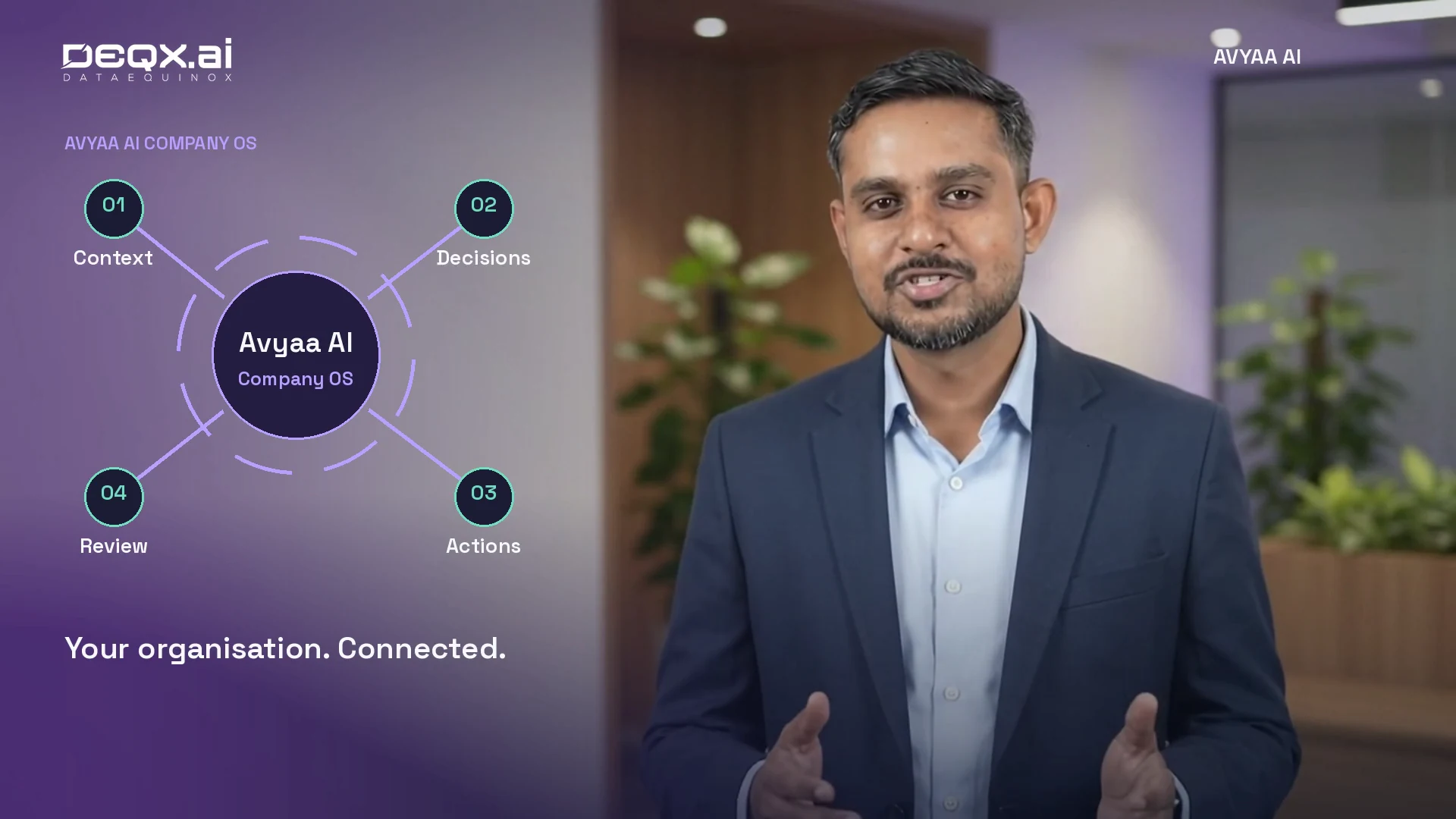
AI Company OS: Connecting Business Context, Decisions and Follow-Through
Explore how Avyaa AI Company OS connects business knowledge, operational exceptions and accountable action, starting with one workflow and human-led decisions.