Legacy System Modernization: How to Upgrade Old Business Software Without Disrupting Operations
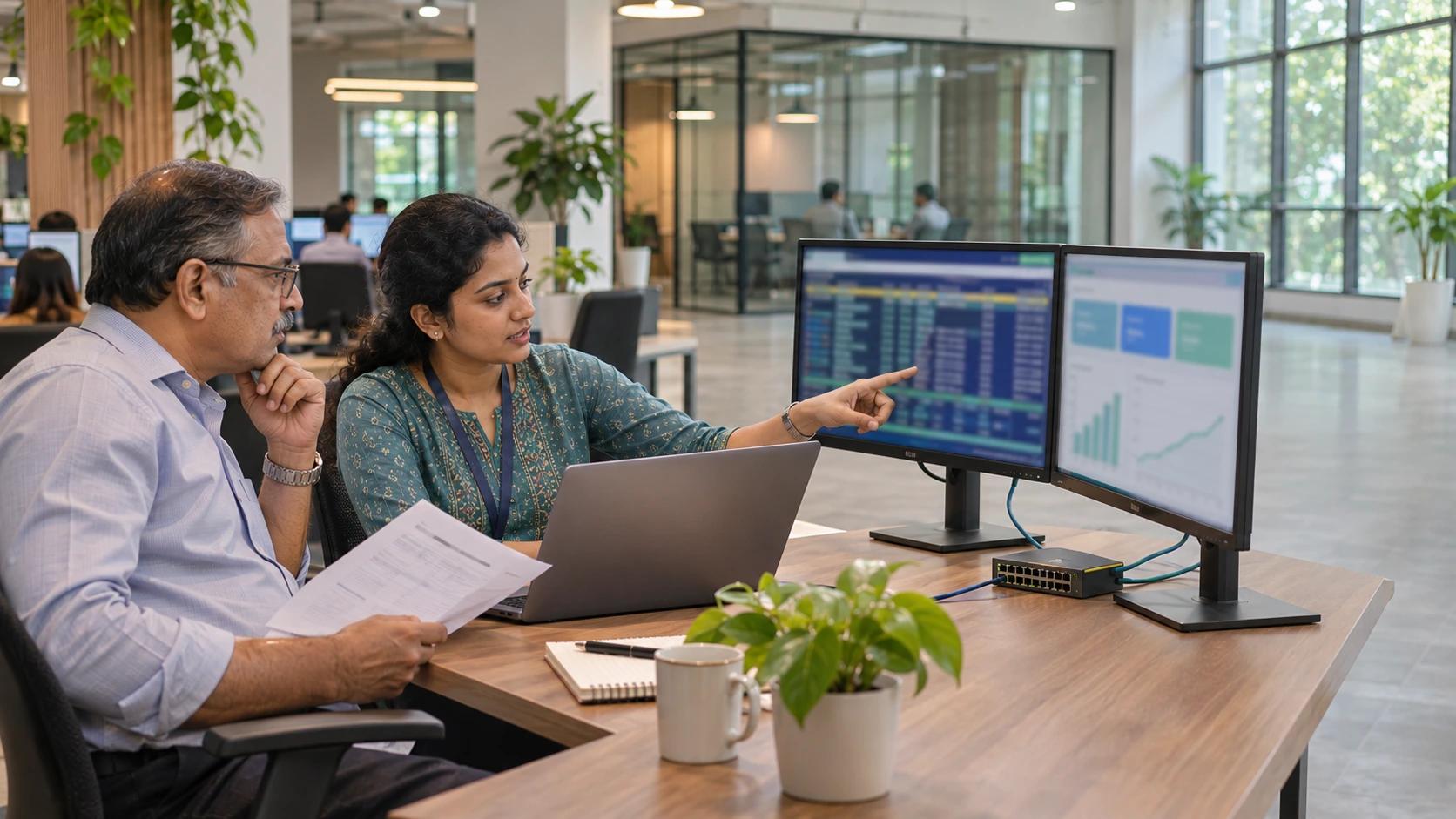
Learn how to modernise legacy business software in stages, map system dependencies, improve integrations and protect essential operations without replacing everything at once.
Short answer
Companies can modernise legacy software without replacing everything at once by first understanding the applications they already run, mapping critical workflows and dependencies, and identifying the components that create the greatest operational or technical risk. From there, they can choose a staged improvement strategy—targeted refactoring, integration layers, replacement modules, controlled migration and careful validation—so essential business operations continue while the technology beneath them improves.
DEQX Editorial Team
01 / Understand the current system
What is legacy system modernization, and why does it matter?
Legacy system modernization is the process of improving older business applications to meet current operational, security and integration needs. Legacy systems include ERP, inventory, CRM, accounting and other business-critical applications built using older technologies. Although these systems may still support essential operations and contain valuable business knowledge, they can struggle to meet modern requirements for reliability, security, integration and scalability. A Google Cloud survey of 1,250 US enterprise IT and business decision-makers found that 49% said reliance on on-premises software had delayed, reduced, paused or cancelled AI and other technology initiatives. While this finding is specific to the US, it highlights the importance of assessing existing systems before deciding on migration or replacement.
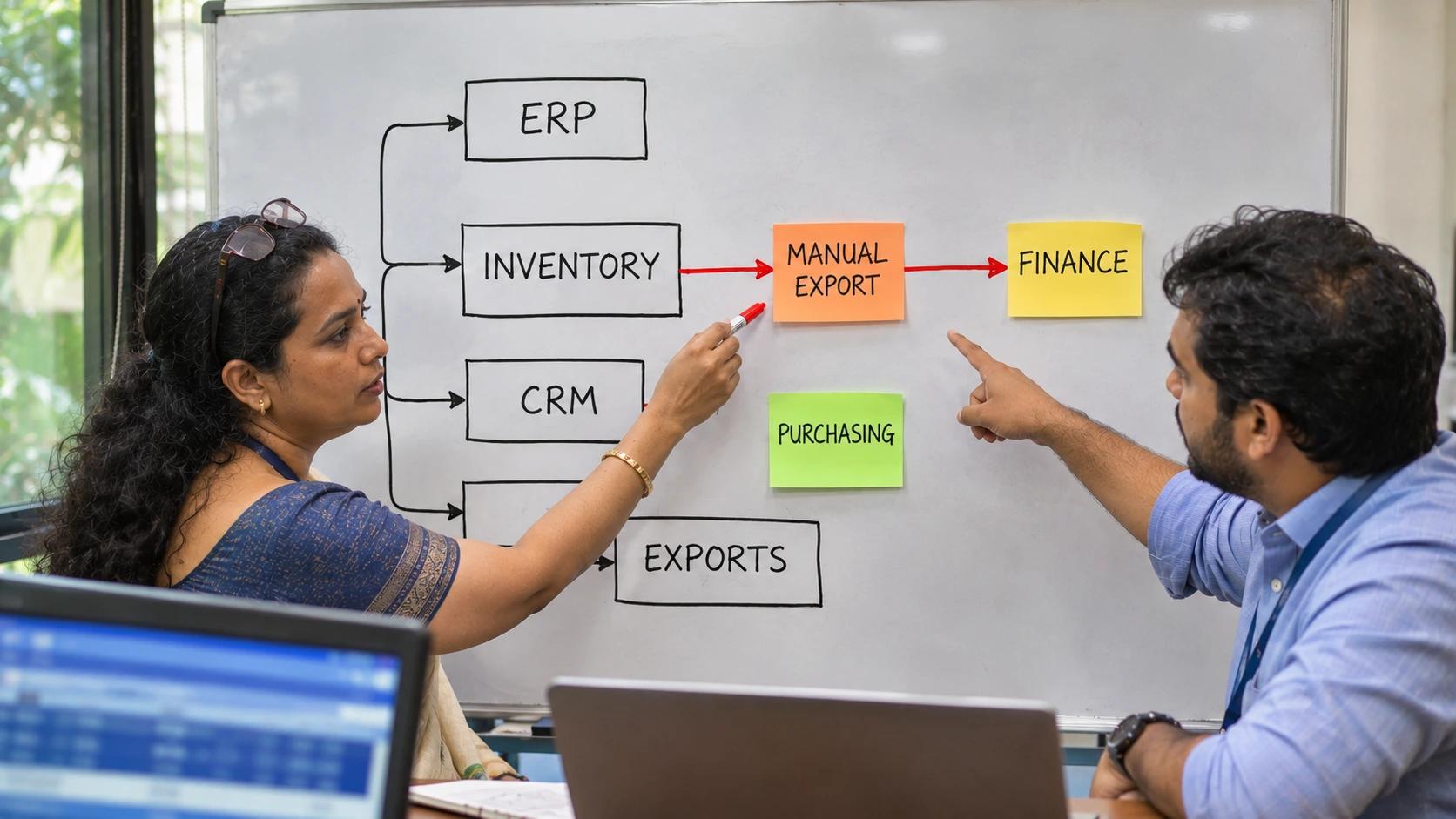
0101 — Identify the technical constraints
Ageing frameworks, unsupported dependencies, difficult-to-maintain code, rising maintenance effort and limited documentation all increase the cost and risk of every change.
0202 — Map integrations and hidden dependencies
Applications rarely stand alone. They depend on databases, APIs, scheduled jobs, external services and neighbouring workflows. Changing one component can affect several connected processes.
0303 — Understand the operational and security risks
Outdated infrastructure, unsupported software, patching challenges, weak recovery procedures, incomplete access controls and undocumented technical knowledge all raise the stakes of unplanned change. System discovery should happen before selecting a migration or replacement strategy.
Start with understanding
What should businesses assess before modernising legacy software?
This assessment creates the foundation for deciding what should be retained, improved, integrated, migrated or replaced. Industry interest in mapping application structures and dependencies before AI-assisted modernisation—illustrated by announced partnerships such as Xebia and CAST (https://xebia.com/news/xebia-cast-partnership-agentic-ai-modernization/)—reinforces the same practical point: visibility comes before transformation. Treat such announcements as industry direction, not proof of measured project results.
CRITICAL BUSINESS WORKFLOWS
Critical business workflows
Identify processes that must remain available—order processing, billing, inventory updates, customer records, payroll and any other workflow where interruption would stop revenue or compliance activity.
APPLICATIONS AND DEPENDENCIES
Applications and dependencies
Map connected applications, databases, APIs, integrations, scheduled jobs, data ownership and the people responsible for maintaining them. Note where one system is the quiet dependency of another.
TECHNICAL AND OPERATIONAL RISKS
Technical and operational risks
Identify unsupported components, security weaknesses, fragile integrations, limited test coverage and recovery challenges. Prioritise the risks that threaten continuity, not only the oldest code.
02 / Choose a practical transition
Which legacy system modernization approach is right for your business?
Businesses don't have to leave old systems untouched or replace everything. An application modernization strategy combines approaches based on business value, technical dependencies, system condition, migration risks and available resources. Google Cloud highlights that modernization involves more than code conversion, as data dependencies, application boundaries and production validation also shape the process. As an example, a company may retain its existing ERP for finance while modernising its inventory module and adding an integration layer to connect newer applications without replacing the entire system.
B2B ordering portals for distributors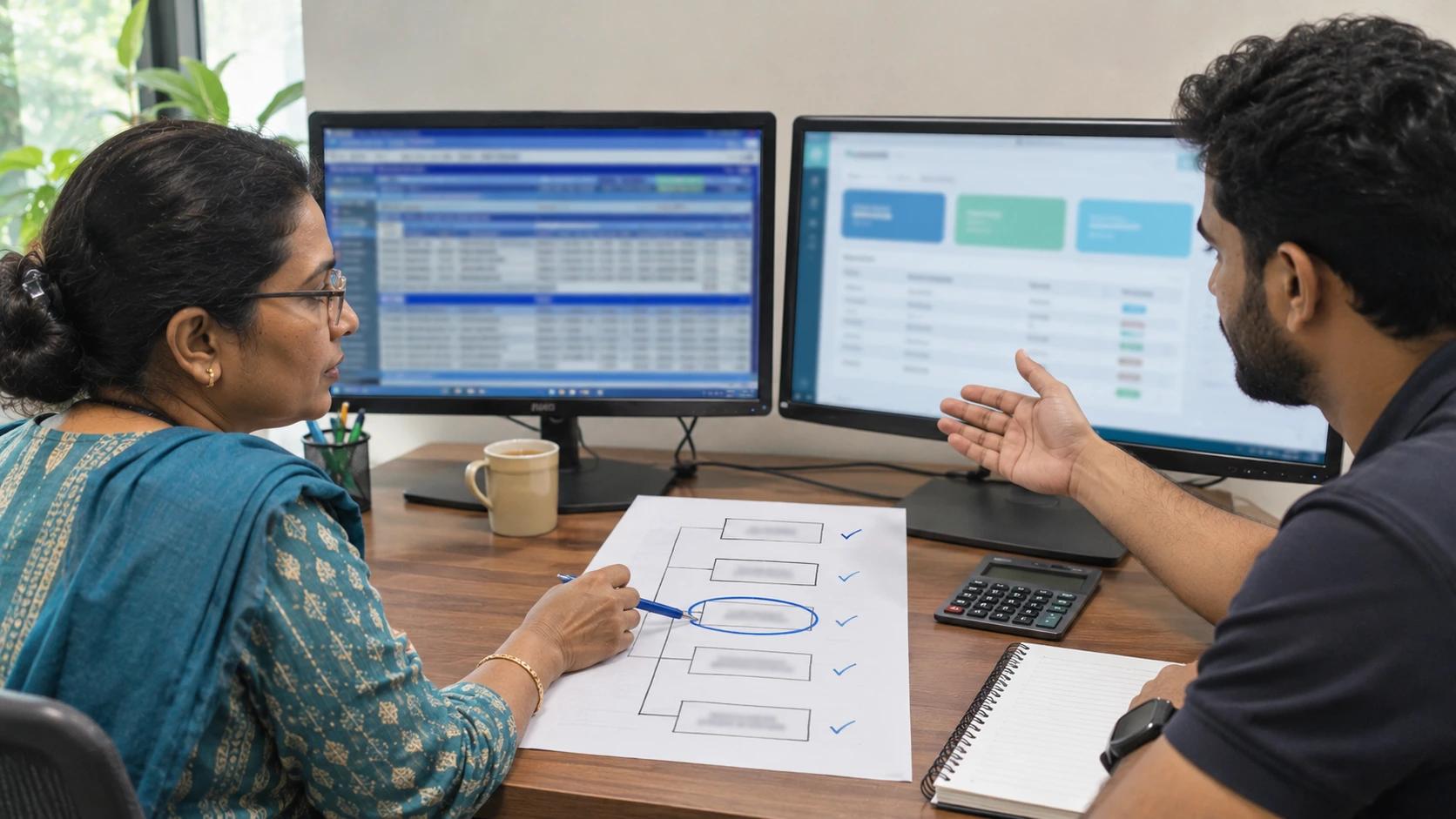
0101 — Targeted refactoring
Improve selected parts of the existing codebase while retaining the application’s core functionality and user-facing behaviour.
0202 — Rehosting
Move an existing application to a different infrastructure environment with limited changes to application code. Rehosting can change where software runs; it does not automatically resolve technical debt.
0303 — Replatforming
Move an application to a modern platform while making selected infrastructure or configuration changes that improve operability without a full rewrite.
0404 — Re-architecting
Change application architecture to improve maintainability, scalability, integration or another defined requirement, usually after dependencies are understood.
0505 — Replacement modules
Replace one business capability at a time while retaining the rest of the existing system—useful when a single module creates disproportionate risk or friction. These approaches can be combined.
03 / Modernise without disruption
Five practical steps to modernise legacy software while keeping operations running.
A staged modernization strategy protects business continuity by improving one controlled surface at a time. Incremental delivery should have clear ownership, review points and evidence of successful operation before the next change begins.
MAKE THE EXISTING SYSTEM SAFE
Make the existing system safe
Establish reliable backups, review security updates, document recovery procedures and add tests around critical business workflows before making major changes.
INTRODUCE CLEAR INTEGRATION BOUNDARIES
Introduce clear integration boundaries
Where appropriate, introduce APIs or integration layers so existing applications can communicate with newer systems without requiring an immediate full replacement. Legacy software integration often begins here.
MODERNISE ONE COMPONENT AT A TIME
Modernise one component at a time
Select a manageable business capability and improve it independently where the architecture allows. Incremental modernization reduces blast radius.
TEST OLD AND NEW WORKFLOWS TOGETHER
Test old and new workflows together
Use parallel workflows where appropriate. Validate transaction behaviour, data consistency, integration responses and business rules before switching users.
PLAN CUTOVER AND ROLLBACK
Plan cutover and rollback
Define acceptance criteria, release windows, monitoring, fallback procedures and rollback conditions before retiring or replacing an existing component.
04 / Modern engineering and AI
How are AI and modern technologies changing legacy system modernization?
Modern tools and AI can support legacy application analysis and modernization through code analysis, documentation, dependency discovery, refactoring, test generation and code review. However, AI-generated code requires engineering review, and automated conversion does not guarantee equivalent business behaviour. Business rules, data structures, integrations, security and performance must still be validated. Gartner predicts that over 70% of mainframe exit projects initiated in 2026 will fail to deliver intended benefits due to overestimating generative AI capabilities. This is a forecast specific to mainframe projects, not all modernization work. AI should be treated as an accelerator, not a replacement for engineering judgement, testing and operational control. Cloud migration or AI adoption alone does not guarantee secure and reliable systems.
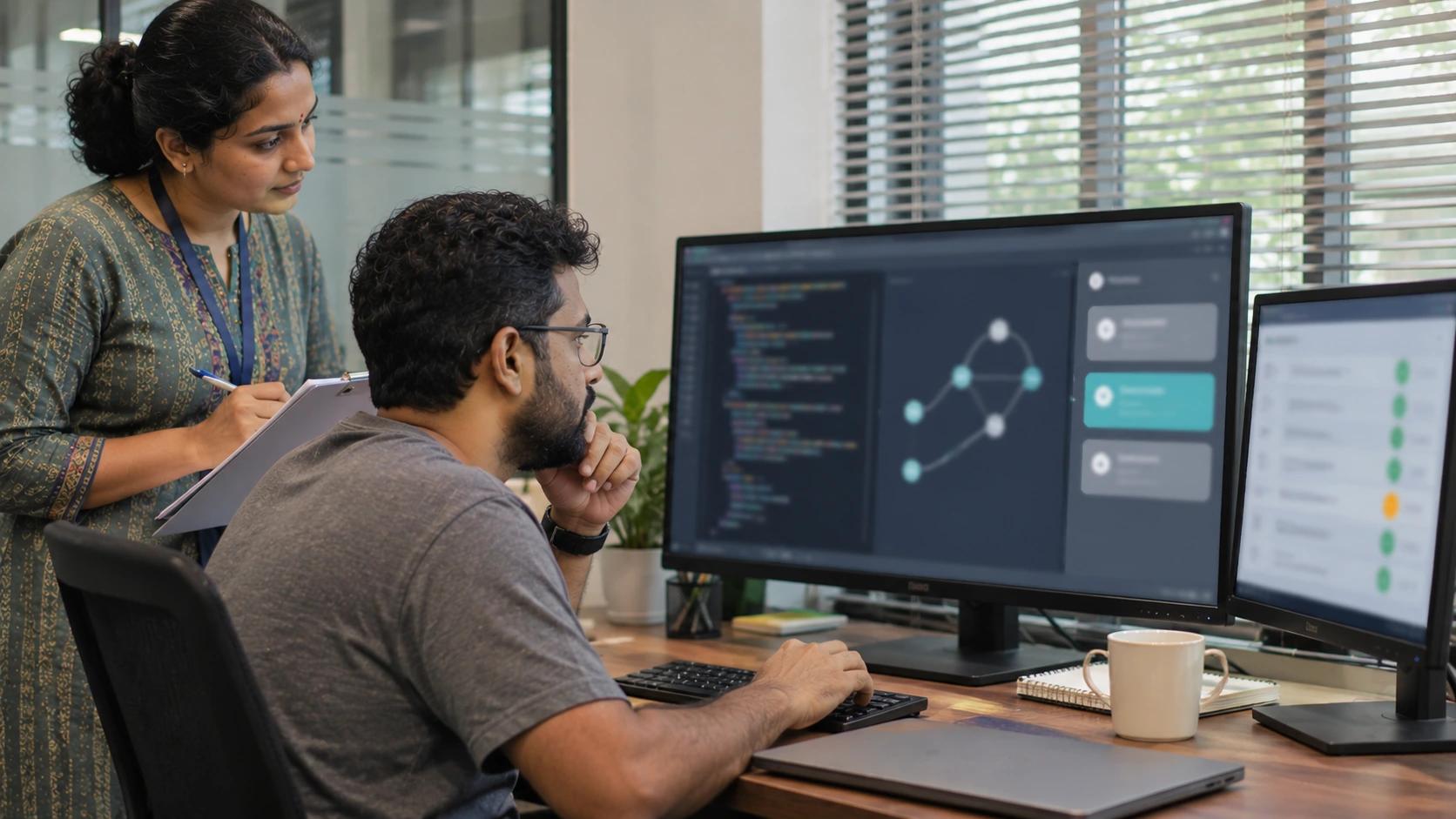
01Protect data and preserve business knowledge
Prioritise data mapping and validation; database integrity and transaction consistency; access permissions and security controls; audit trails and logging; backups and recovery; documentation of business rules; and testing of critical workflows with experienced users who know how the business actually operates—not only how the system was supposed to work.
05 / Move with evidence
How can a business start a legacy system modernization project?
A practical starting point follows the same sequence used in DEQX’s Legacy System Modernization service: understand the current system, choose a practical transition, and move with evidence. Broader software development work—custom applications, integrations and long-term maintainability—often sits alongside that transition once priorities are clear.
Legacy System Modernization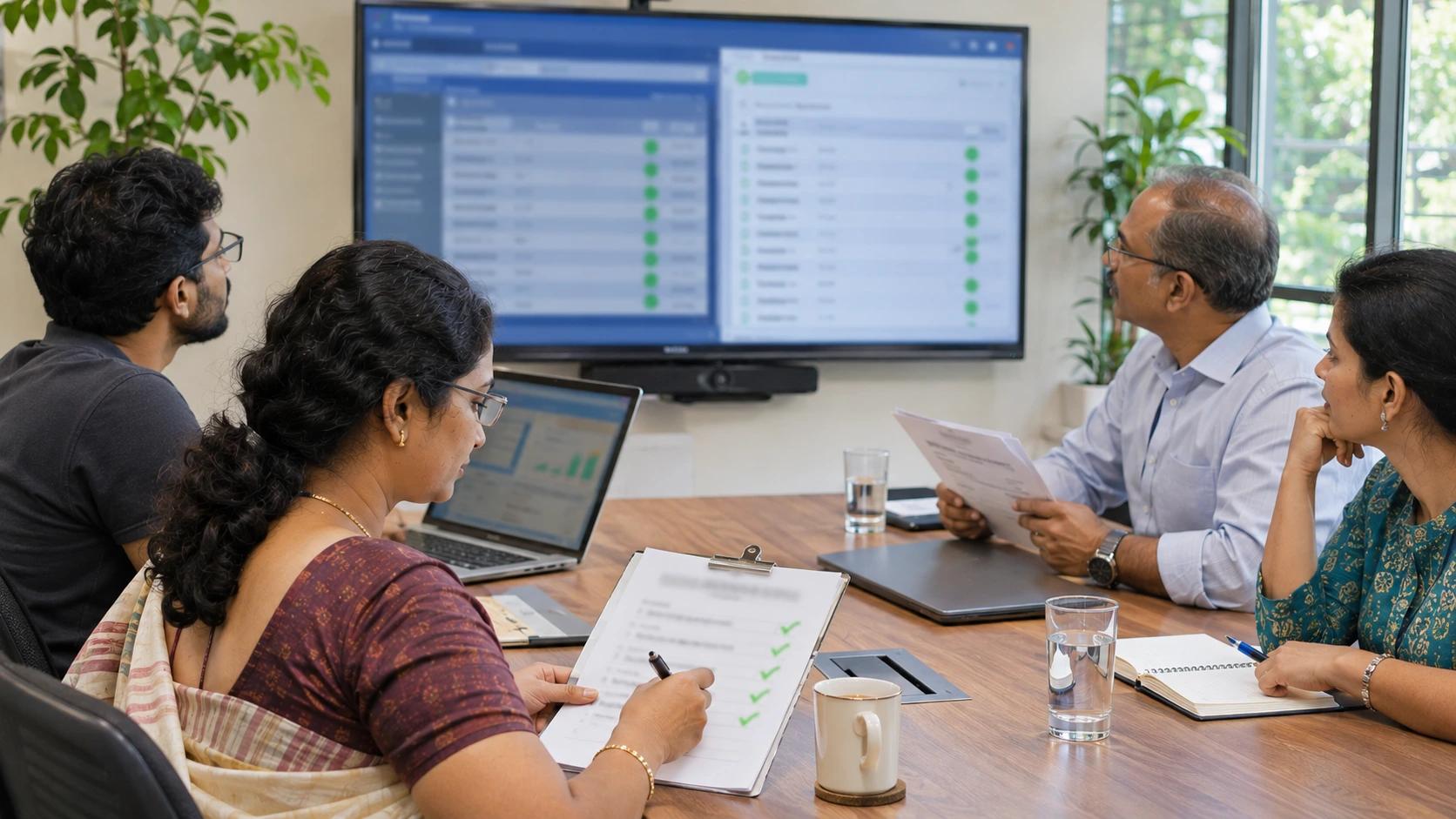
0101 — Understand the workflow
Map user journeys, requirements, existing applications, integrations and acceptance criteria with the people responsible for the work. Capture what must not break before deciding what to change.
0202 — Design and validate the transition
Compare targeted refactoring, replacement modules and migration options. Resolve architecture, data and integration decisions before implementation so later stages are not spent unwinding early assumptions.
0303 — Build in reviewable increments
Implement and test the agreed priorities in controlled stages. Use demonstrations, integration testing and clear procedures for handling scope changes.
0404 — Release and hand over
Validate production behaviour, prepare cutover and recovery procedures, document the implementation and establish support ownership.
05How should a modernization project be measured?
Suggested evaluation measures—not guaranteed DEQX results—include critical workflow availability; successful transaction completion; integration failures; data reconciliation errors; release-related incidents; time required to deliver approved changes; maintenance effort and recurring support issues; and user adoption and workflow completion. Avoid inventing ROI percentages or fixed timelines; use the organisation’s own baseline instead.
Questions from business and technology teams
Planning a legacy system modernization project
What is legacy system modernization?
It is the process of improving, integrating, refactoring, re-platforming, re-architecting or selectively replacing older applications so they meet current business and technical requirements—without assuming that every component must be rewritten at once.
Do businesses need to replace their entire legacy system?
Usually not. Targeted improvements, integration layers and replacement modules can support a staged approach. The right decision depends on the system’s architecture, data dependencies and the disruption the business can accept.
How can companies modernise legacy software without disrupting operations?
Begin with system discovery, protect critical workflows, validate data, test thoroughly, use parallel workflows where appropriate, and define cutover and rollback procedures before switching users.
What is the difference between legacy system modernization and cloud migration?
Modernisation is the broader process of improving applications and their architecture. Cloud migration is one possible infrastructure or transition strategy; on its own it is not a complete modernisation strategy.
Can AI help modernise legacy applications?
Yes, as assistance for code analysis, documentation, dependency discovery, test support and transformation drafts. Engineering validation and business-rule verification remain essential, especially where undocumented logic or complex integrations are involved.
How much does legacy system modernization cost, and how long does it take?
Scope, architecture, dependencies, data volume, integrations, security requirements and migration strategy all affect cost and duration. A discovery assessment should come before any meaningful estimate.
Talk to DEQX
Modernise without losing the work that matters.
Understand your existing applications, identify the right components to improve and plan a controlled transition around your business priorities and operational requirements.
Discuss Your Modernization ProjectExplore software engineering
Build applications that can evolve with your business.
Explore how custom software engineering, application development and integration can support your next stage of business growth.
Explore Software DevelopmentAbout this article
A practical perspective on legacy software modernization.
This article provides general guidance for assessing and planning legacy application modernisation. The appropriate approach depends on application architecture, business workflows, data dependencies, security requirements and operational constraints. Examples are illustrative and do not represent a specific DEQX customer deployment or measured project outcome.
More Recent Insights
Stay up-to-date with our latest findings and perspectives.
Predictive Maintenance with Machine Learning: From Sensor Data to Early Warnings
How machine learning analyses equipment sensor data to identify early warning signs, estimate potential failures and help industrial teams plan maintenance before breakdowns occur.

B2B Ordering Portals: Replacing WhatsApp and Excel Orders for Distributors
How distributors can move dealer orders out of chat threads and spreadsheets into one ordering system, while keeping WhatsApp for the conversations dealers value.
AI Receptionist for Clinics: Turning Every Patient Call into a Confirmed Next Step
How an AI receptionist books, reschedules and reminds patients for clinics, with Malayalam–English calls and staff handoffs.